
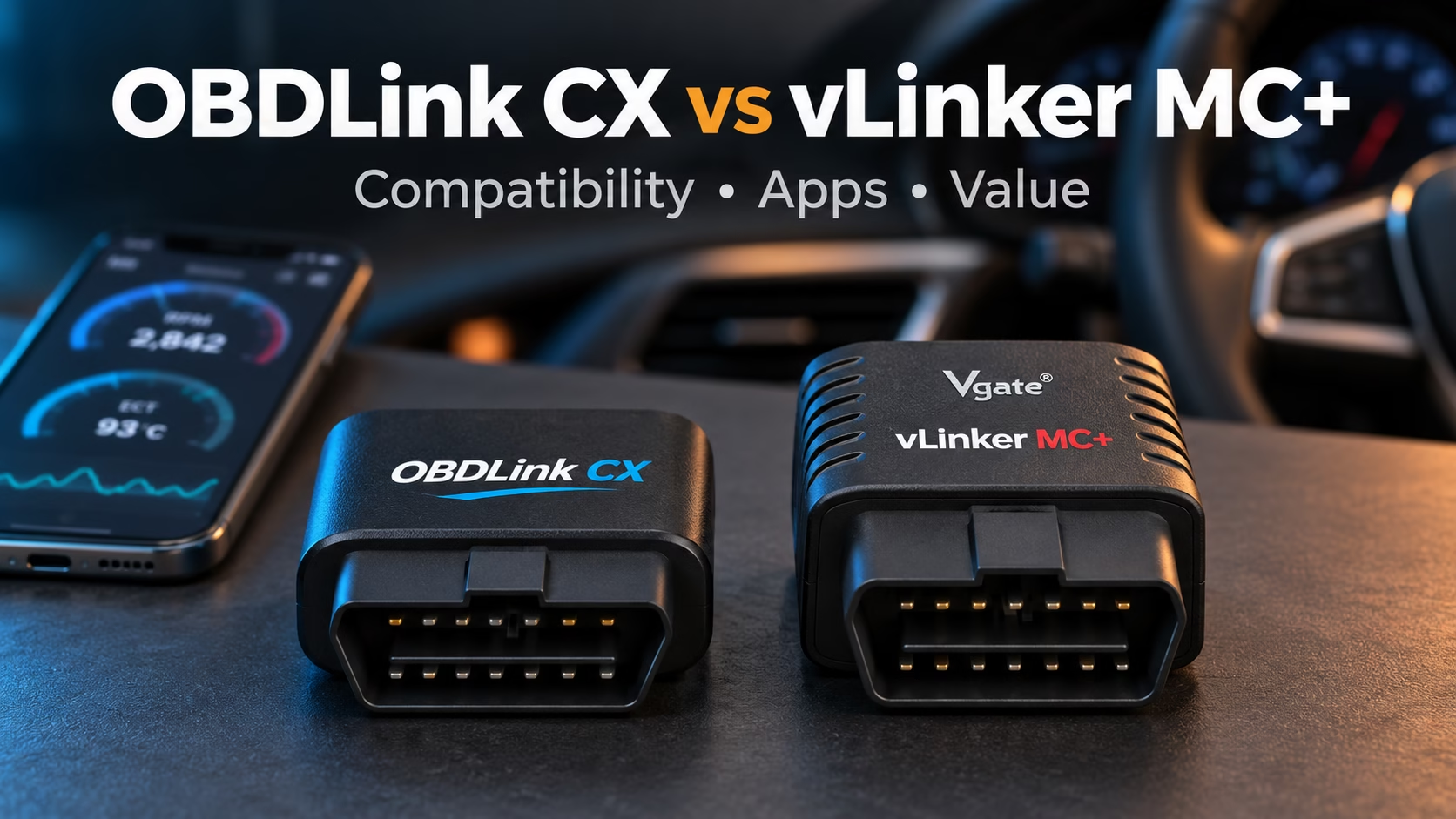
The OBDLink CX vs vLinker MC+ choice starts with your car and app. Choose CX for supported BMW or MINI apps and its included diagnostic app. Choose MC+ when you need its extra Ford or GM networks. For EV trips, check your exact setup before buying either one.
Both plug into your OBD2 port [the socket used to read car faults]. Your phone runs the app that reads the data. This guide uses product details and owner reports from Reddit and car forums.
OBDLink CX vs vLinker MC+: At a Glance
| Feature | OBDLink CX | vLinker MC+ |
|---|---|---|
| Main appeal | Designed for BimmerCode; free OBDLink app | Broader Ford and GM network access |
| Phone support | iOS and Android | iOS and Android |
| Wireless link | Bluetooth 5.1 LE [low-energy wireless connection] | Bluetooth LE for iPhone; Bluetooth for Android |
| Vehicle networks | HS-CAN and ISO/KWP [car data communication paths] | Standard OBD2 protocols plus MS-CAN and SW-CAN |
| Ford MS-CAN [extra Ford data network] | No | Yes |
| GM SW-CAN [extra GM data network] | No | Yes |
| Sleep mode | Yes | Yes |
| Firmware [software inside the adapter] updates | Yes | Yes |
| Main concern | Car coverage and extra app costs | App setup and mixed connection reports |
These are hardware features, not a list of tasks your car can perform. Your app must support the car and the task too. More networks alone do not give you every service function.
Check Your Car Before You Choose
CX has a clear limit on some older cars. Its maker excludes GM, Ford and certain FCA vehicles built before model year 2008. FCA includes brands such as Chrysler, Dodge and Jeep.
CX also lacks Ford MS-CAN and GM SW-CAN. That can limit access to some car systems. It does not mean CX fails on every modern Ford or GM.
MC+ includes both of those extra networks. That makes it worth a closer look for supported Ford or GM apps. You still need to check the exact model year and function.
Do not assume the two adapters fit all cars with the same socket. Start with your car’s year, engine and model. Then check the app’s current support list.
Considering the MX+ too? Read our OBDLink MX+ vs vLinker MC+ guide.
Which Apps Fit Your Plans?
For BMW and MINI: CX was designed for BimmerCode. Owners report useful coding and service work through BimmerCode and BimmerLink. Check which features your specific car supports before paying.
A demo screen may show more choices than your car offers. One CX buyer found fewer options after connecting to a newer BMW. Buying a different adapter will not necessarily add those missing functions.
For basic fault checks: CX includes access to the OBDLink app. You can view live data and use supported fault-code functions. Paid features in other apps are a separate cost.
MC+ works with third-party apps, so choose your software first. On iPhone, use the app’s Bluetooth LE connection steps. A phone showing a connection does not prove the app can read your car.
For EV trips: ABRP [an app for planning electric-car trips] has positive owner reports with both models. CX users report successful Ford Lightning road trips. MC+ users report good results on cars such as the Ioniq 5 and Audi e-tron.
Both also appear in connection-problem threads. Match the car, phone and app version as closely as possible. Success with Car Scanner does not ensure success with ABRP.
For Windows: MC+ lists Windows support. CX support is conditional on a suitable Bluetooth LE adapter and software. Check the program’s requirements before choosing either for a laptop.
What Owners Like and Dislike
Owner posts help you spot useful patterns and possible snags. They cannot tell you a reliable failure rate. Reports also reflect different cars, phones, apps and firmware versions.
OBDLink CX: Pros and Cons
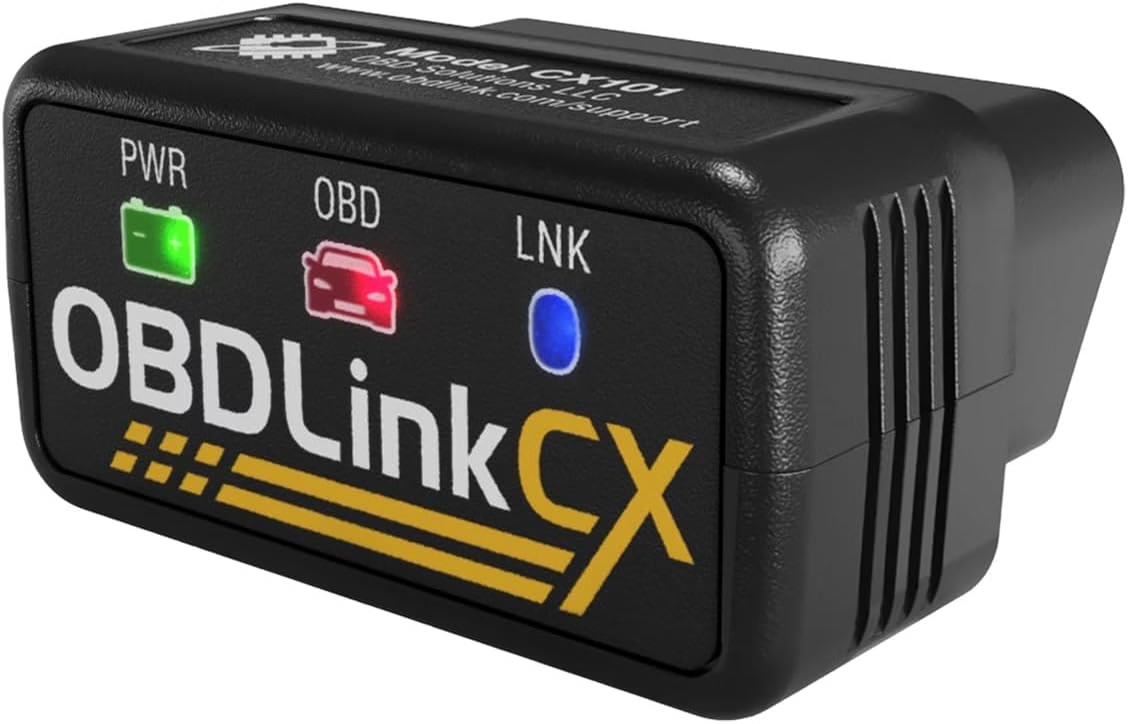
A MINI R56 owner used CX for code checks and setting changes. They also reported service resets and battery-change records through their chosen apps. Those results apply to that setup, not every MINI.
Another owner praised its small size and noticed no battery drain. They still unplugged it when leaving the car unused for days. That is useful experience, but not proof of zero drain.
Speed reports are mixed. One BMW owner found coding slow enough to consider a return. Another had no speed complaints, while an X3 owner described waits for large files.
Some Supra and MG4 owners reported alarms after locking the car. An active app connection appeared to matter in some cases. Closing the app or unplugging helped some owners, but results differed.
- Pros: Designed for BimmerCode and supported phone use.
- Includes the OBDLink diagnostic app.
- Small body and a listed low-power sleep mode.
- Positive coding, service and EV-monitoring reports.
- Cons: Missing extra Ford and GM networks.
- Some older cars are excluded.
- Large coding tasks may take time.
- Some cars may trigger alarms while it stays connected.
CX suits you when its supported apps meet your needs. Its listed three-year warranty is another point to weigh. Check the seller’s terms and your car’s supported functions.
Check the OBDLink CX price on Amazon
vLinker MC+: Pros and Cons
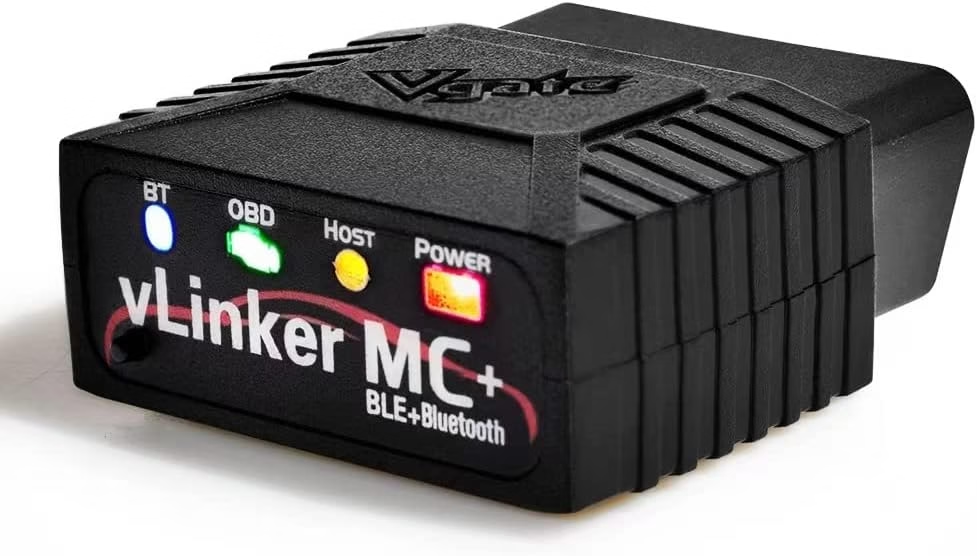
One MC+ owner read gearbox temperature on a Subaru Forester. The same user also viewed Honda CR-Z hybrid-battery data. The post did not name the app or car years.
An Ioniq 5 discussion included positive reports of long-term plugged-in use. Another owner liked auto wake when starting the car and opening ABRP. An Audi e-tron owner reported reliable charge data too.
An ID.4 owner had trouble with the update app and delayed charge readings. The firmware update later worked, though the cause stayed unclear. That thread does not prove the adapter itself was faulty.
A Taycan owner could connect to MC+ but not the car. The wrong car profile was then found in the app. The thread did not include a final successful retest.
- Pros: Includes Ford MS-CAN and GM SW-CAN.
- Useful code checks and live data in owner reports.
- Positive EV auto-wake and ABRP experiences.
- Can offer good value if the local price is lower.
- Cons: Setup depends on your chosen app.
- Some owners report firmware-update or connection trouble.
- A wrong vehicle profile can block car access.
- Available reports cannot establish its long-term failure rate.
MC+ is worth considering when its extra networks serve your car. It can also suit routine checks with a supported app. Add the app cost before judging the price.
Check the vLinker MC+ price on Amazon
Also weighing the MS? See our vLinker MS vs MC+ comparison.
What Makes Each Adapter Good Value?
The cheaper adapter is good value only if it does your job. Compare the current price, app fees and return terms. Then check whether you need any paid extras.
CX includes a basic diagnostic app and a listed three-year warranty. MC+ gives you extra Ford and GM network support. Your car may make one of those benefits more useful than the other.
There is no sound direct speed test between these two in this research. Do not choose solely by Bluetooth version or an advertised data rate. Those figures do not tell you how fast your app reads the car.
For a wider shortlist, explore our best OBD2 scanners for the money.
Five Checks Before You Buy
- Confirm your car’s year, engine and model.
- Check that your app lists the exact adapter.
- Check the exact task: reading codes and changing settings differ.
- Add app fees to the price you will pay.
- Choose return terms that let you test your own setup.
Once it arrives, start with a simple read-only scan. Check that the app reads the car and stays connected. Follow the app’s setup steps before trying supported changes.
Common Questions
Do both work with an iPhone? Yes, both list iOS support through compatible apps. Follow the in-app connection steps for the model you buy.
Can you leave either plugged in? Both list sleep features. Some owners leave them fitted without trouble. Others report alarm issues, so check your own car’s behaviour.
Does CX work on every BMW? Do not assume it does every task on every BMW. Check the current app support list for your exact car. Available coding options can vary by model and software.
Does MC+ support more Ford and GM networks? Yes, it includes MS-CAN and SW-CAN, which CX lacks. Access to a specific system still depends on the car and app.
Which is more reliable? The available reports cannot settle that. There is no verified failure-rate comparison here. Choose using confirmed app support, return terms and your required task.
Are paid coding apps included? Do not assume so. CX includes the OBDLink app, but other paid apps are separate. Check any bundle’s contents before you order.
Choose for the Job You Need
Your OBDLink CX vs vLinker MC+ decision should start with one task. Write down what you want to read or change. Match that task to your car and app.
Choose CX when its supported BMW or MINI apps fit your plans. Give MC+ more weight when you need its extra car networks. If both fit, compare the full cost and seller support.
Save the app’s setup steps before the adapter arrives. You will then have a clear first check to run. That is the best way to find out whether your purchase fits.