
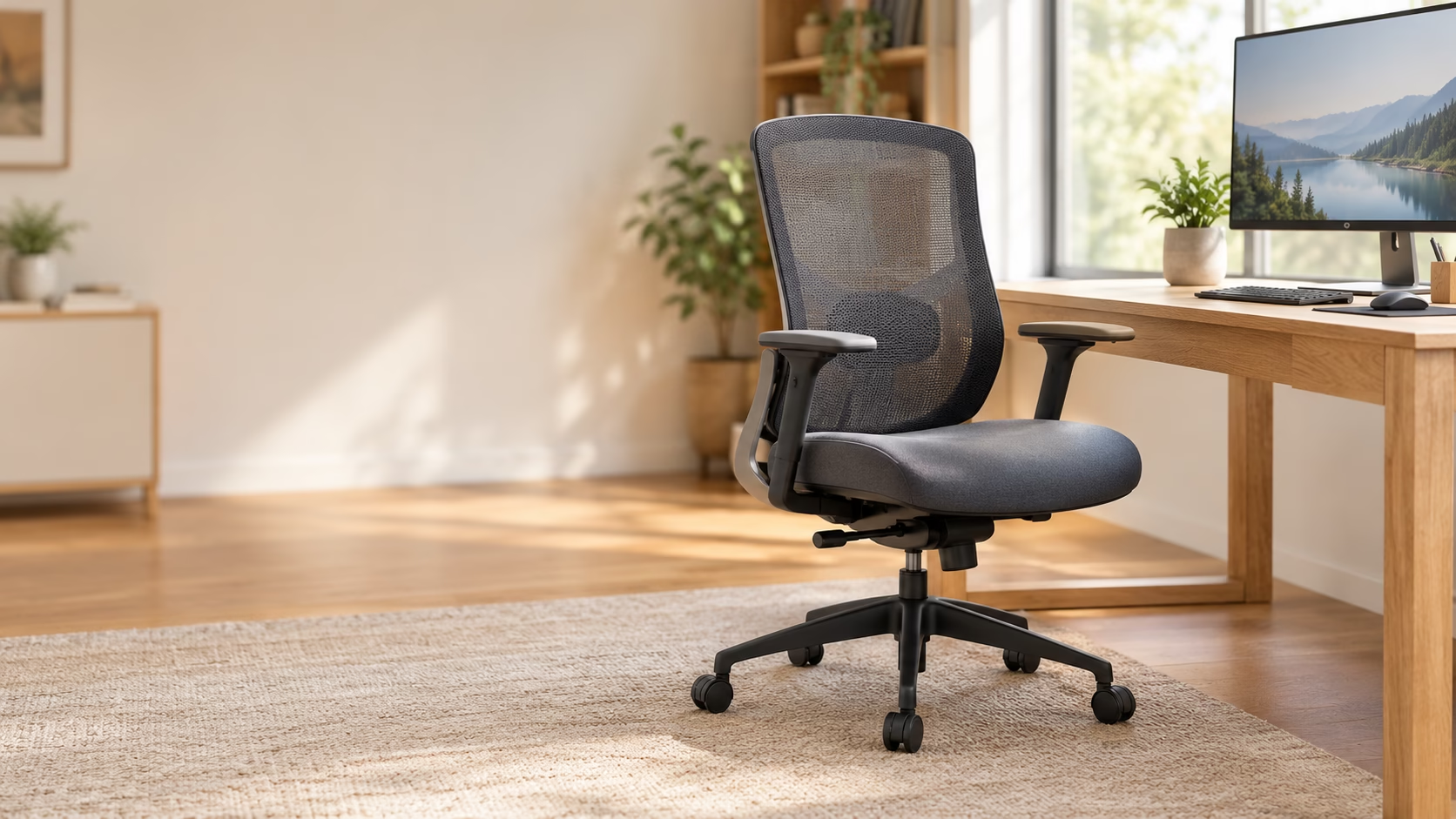
The Steelcase Leap is our top pick if you want the best chair for long hours at computer work. Its wide range of adjustments gives you room to find a good fit. For less money, start with the Steelcase Series 2 or Branch Ergonomic Chair.
Your best choice still depends on your build, desk, and seat preference. A costly chair can feel wrong. A cheaper one can fit you well.
These picks draw on hands-on reviews, owner feedback, and buyer discussions. We weighed praise against complaints, including those that showed up during longer use. This is a research-based guide, not a personal test of all eight chairs. This page contains Amazon affiliate links. If you buy through them, I may earn a commission at no extra cost to you. As an Amazon Associate I earn from qualifying purchases.
The Best Chairs for Long Hours at a Computer—Quick Comparison
Start with the table below. You can narrow your choice by price level, seat feel, and your main need.
The scores reflect our research method. They are not Amazon customer ratings. Small score gaps should not outweigh a clear fit issue.
| Chair | Best for | Research score | Seat and back | Main drawback | Amazon link |
|---|---|---|---|---|---|
| Steelcase Leap | ★ Best overall | 4.50/5 | Cushioned seat and back | Warmer than mesh | View options |
| Steelcase Gesture | Armrest adjustment | 4.23/5 | Cushioned seat and back | Mixed views on seat comfort | View options |
| Herman Miller Aeron | Premium mesh seating | 4.15/5 | Mesh seat and back | Size and seat-edge fit matter | Check size & options |
| Logitech G Embody | Premium work & gaming | 4.08/5 | Cushioned seat; flexible back | High price; no headrest | Search Amazon |
| Steelcase Series 2 | Midrange value | 4.05/5 | Cushioned seat; back options vary | Less recline control | View options |
| Haworth Fern | Flexible back support | 4.00/5 | Cushioned seat; mesh or knit back | Added lumbar support can feel strong | View lumbar version |
| Branch Ergonomic Chair | Lower-cost choice | 3.78/5 | Cushioned seat and mesh back | Firm seat; check seat width | View original model |
| HON Ignition 2.0 | Budget alternative | 3.35/5 | Cushioned seat and mesh back | Conflicting all-day comfort reports | Check configuration |
These links lead to Amazon.com. Prices, sellers, stock, and options can change. Check the exact model, condition, and return terms before you buy.
The Embody link opens search results. A matching US product page could not be confirmed.
Which Chair Should You Choose?
| Your main need | Start here | What to check |
|---|---|---|
| A strong all-round choice | Steelcase Leap | Seat depth and back-support feel |
| A lower purchase price | Branch Ergonomic | Seat width and firmness |
| A midrange chair | Steelcase Series 2 | Arms, back material, and recline options |
| A mesh seat | Herman Miller Aeron | Correct size and seat-edge clearance |
| More freedom to position your arms | Steelcase Gesture | Arm height, width, and desk clearance |
| One chair for work and gaming | Logitech G Embody | Back contour and seat feel |
| A more flexible backrest | Haworth Fern | Added lumbar support versus no added lumbar |
You do not need to compare every feature on all eight chairs. Start with the part of your current seat that bothers you most.
If you are very short, tall, or broad, start with measurements. A “best overall” label cannot tell you whether your feet will reach the floor.
The same applies to weight limits. A chair may support your weight yet leave too little seat space.
Our 8 Recommended Chairs for Long Computer Sessions
1. Steelcase Leap—Best Overall

The Leap earns first place through its broad range of useful adjustments. You can change seat depth, arm position, and back support. That gives you more ways to fit the chair to your desk routine.
Seat depth means the usable space from front to back. Too much can leave the front edge pressing behind your knees. Too little can leave your thighs poorly supported.
The Leap performed well in the independent comfort and adjustment reviews examined. The research also included positive wear reports after more than a year of use. That is useful evidence, though it does not predict every chair’s lifespan.
Its main tradeoff is the upholstered seat and back. If you often feel hot at your desk, full mesh may suit you better.
Choose the Leap if:
- You want a strong starting point for daily desk work.
- You prefer a cushioned seat.
- You value fit adjustments more than bold styling.
Look elsewhere if: You strongly prefer mesh or want a low-cost chair.
For many readers, this is the best office chair for long hours to try first. Still, give yourself time to adjust it. A poor setup can make a good chair feel wrong.
View Steelcase Leap options on Amazon
The linked listing names Coconut fabric and a black frame. Confirm its current options before ordering.
2. Steelcase Gesture—Best for Armrest Adjustability

The Gesture stands out when your arms need more room to move. You might type, use a mouse, then switch to a tablet. Its arms offer a wide range of positions for those tasks.
That freedom matters most when ordinary armrests sit too far apart. It also helps when fixed arms block you from getting close to your desk.
The chair’s strong build and adjustment range earned praise in the research. Seat comfort drew less agreement. Some testers liked it a lot; others did not.
The lower-back support also feels mild to some users. If you want a clear, firm push against your lower back, try it first.
Choose the Gesture if:
- Armrest position is your main concern.
- You switch between several desk tasks.
- You want a cushioned chair with broad adjustments.
Look elsewhere if: You want strong lumbar pressure or a cooler mesh seat.
The choice between Leap and Gesture is fairly clear. Start with Leap for broad fit control. Give Gesture more weight when its arm design solves a real problem.
Explore Steelcase Gesture configurations on Amazon
This link selects Graphite Gray with carpet casters [wheels made for carpet].
3. Herman Miller Aeron—Best Premium Mesh Chair

The Aeron is worth a close look if you dislike padded seating. Its mesh seat and back offer a different feel from foam. You sit on a tensioned surface rather than sinking into a cushion.
The chair comes in three sizes: A, B, and C. Choosing the right one is part of choosing the chair itself.
Pay close attention to the front and sides of the seat. The firm frame can bother you if the size or sitting position is wrong. Owner feedback included complaints about pressure near the thighs.
Unlike a sliding seat pan, the Aeron’s seat depth is tied to its size. You cannot fix every fit problem with an adjustment.
Choose the Aeron if:
- You prefer mesh over foam.
- You can check the size before buying.
- You want a premium chair for desk work.
Look elsewhere if: You dislike firm seat edges or often sit cross-legged.
Check whether a listing is Classic or Remastered. Also check whether it is new, used, or open-box. Those details affect both the chair and the buying terms.
Check Aeron size and configuration on Amazon
The linked option is Size B in Graphite. Do not choose Size B solely because it appears in this guide.
4. Herman Miller × Logitech G Embody—Best Premium Work-and-Gaming Chair
The Logitech G Embody makes sense if your desk serves two roles. You may work there all day, then return for games. Its appeal lies in seat comfort and a backrest you can tune.
The reviewed Gaming model earned strong feedback during long work and gaming sessions. Its adjustable seat depth also helps you change how much thigh support you get.
BackFit [a control for backrest shape] lets you alter the back’s curve. Take time with it. The right setting may not be clear during a quick showroom sit.
The price is the main hurdle. You can buy a capable chair for far less. There is also no built-in headrest for resting your head while leaning back.
Choose the Embody Gaming if:
- You use one chair for work and games.
- You have tried its support feel and like it.
- You can afford the premium without giving up other needs.
Look elsewhere if: Value or a built-in headrest tops your list.
Make sure you compare the right model. The standard Embody and Logitech G version are not identical. Do not assume a review of one fully describes the other.
Search Amazon for Logitech G Embody
This is a search link. Check that any result is the full Gaming chair, not an accessory or another version.
5. Steelcase Series 2—Best Midrange Option

The Series 2 fills a useful gap between basic chairs and costly flagships. It offers a cushioned seat with several back and arm options. That makes it worth comparing before you stretch to a Leap.
Its strongest case is upright desk work. The research found good comfort and useful adjustments at a lower price level.
Recline control is less extensive than on some premium models. You can lean back, but do not expect every version to hold any angle you choose.
Configuration matters here. Arms, back material, and wheels can differ between listings. A low starting price may not include the setup you want.
Choose the Series 2 if:
- You want a midrange chair for regular computer work.
- You prefer a cushioned seat and breathable back.
- You do not need extensive recline controls.
Look elsewhere if: You spend much of your time deeply reclined.
One reviewed version had no arms. Its comfort results help assess the chair, but not armrest comfort. Keep that distinction in mind as you compare options.
View Steelcase Series 2 options on Amazon
The linked listing has a Graphite frame, Nickel upholstery, and hard-floor casters.
6. Haworth Fern—Best Flexible-Back Alternative

The Fern is an option if rigid backrests feel awkward to you. Its back flexes as you move. That gives it a different feel from chairs with a more fixed shape.
Professional testing found it comfortable through extended use. Owner feedback also showed how much the lumbar option can change that experience.
Lumbar support means support for your lower back. On the Fern, the added lumbar piece can feel quite strong. One owner found it too forceful and returned the chair.
That does not make the option bad. It makes it a feature you should choose with care.
Choose the Fern if:
- You want a flexible backrest.
- You can try the support setup before buying.
- You like a cushioned seat with a mesh or knit back.
Look elsewhere if: Strong lower-back pressure often bothers you.
The Fern’s mesh version still has a cushioned seat. It is not a full-mesh chair like the Aeron.
Also, do not treat all Fern listings as the same. Back fabric and added lumbar support can change how the chair feels.
View the Fern Digital Knit lumbar configuration on Amazon
This link selects Heathered Grey Digital Knit with lumbar support.
7. Branch Ergonomic Chair—Best Affordable Option

The original Branch Ergonomic Chair gives you a lower-cost place to start. You get a mesh back, cushioned seat, and useful fit adjustments.
Its value is the main draw. You do not need a flagship budget to gain more control over your sitting position.
The research found good adjustment coverage for the price. It also raised two fit issues: seat firmness and width.
A firm seat is not automatically a flaw. Some people prefer it. But if you want a soft, broad seat, check the dimensions and return terms first.
Choose the Branch if:
- You want to keep the purchase price down.
- You need more adjustments than a basic desk chair offers.
- You are comfortable with a firmer seat.
Look elsewhere if: You need a wide seat or dislike firm cushioning.
This is the original Ergonomic Chair. The Pro and Verve are separate models. Their features and reviews should not be mixed into this recommendation.
For the best computer chair for long sitting on a tighter budget, start here. Compare Series 2 next if you can spend more.
View the original Branch Ergonomic Chair on Amazon
The linked version is All Black. Check local purchase and support options outside North America.
8. HON Ignition 2.0—A Budget Alternative Worth Trying First

The HON Ignition 2.0 offers useful adjustments at a more modest price level. The selected task version includes adjustable arms, lower-back support, and seat depth.
It also uses synchro-tilt [seat and back recline together]. This lets both parts move as you lean back.
The key concern is long-session comfort. The professional reviews did not agree. One found it comfortable after weeks of use. Another warned that the lumbar piece could feel bothersome over a full day.
That split keeps it below Branch and Series 2 in this guide. It is an alternative to try, not an automatic all-day winner.
Choose the HON if:
- You want another lower-cost option to compare.
- You can test its lower-back support.
- You have clear return terms.
Look elsewhere if: You already know firm lumbar pressure bothers you.
Check the exact version with care. The Ignition name covers several seats, backs, and mechanisms. An all-mesh or big-and-tall model is not the same chair reviewed here.
Check the HON Ignition 2.0 configuration on Amazon
The link points to the black task-chair listing with advanced synchro-tilt.
How We Researched and Ranked These Chairs
This guide brings together hands-on reviews, owner reports, and buyer discussions. Each chair had at least two separate firsthand sources. Those sources did not always agree.
That matters. The most comfortable chair for long hours can feel wrong to someone else. We kept those conflicts in the ranking instead of hiding them.
The scores use six criteria:
| Criterion | Weight |
|---|---|
| Fit and suitability for long desk sessions | 30% |
| User satisfaction and evidence quality | 25% |
| Core features and construction | 15% |
| Durability evidence | 10% |
| Value for money | 10% |
| Availability, support, and repair options | 10% |
Each criterion receives a score from one to five. We multiply those scores by the weights, then add them.
These are editorial judgments. They are not clinical findings or lab measurements. Small gaps between chairs should not decide your purchase.
Brand information helped check features and terms. It did not count as independent proof of comfort.
Long-term evidence was less complete than comfort evidence. A long warranty was not treated as proof of a long service life.
The same caution applies to Amazon ratings. They did not set the order of this list.
How to Choose a Chair for Long Hours at a Computer
The best computer chairs for long hours share useful traits. Yet those traits only help if they work for your body and desk.
Start with fit. Then compare materials, movement, and buying terms.
Start With Seat Height and Depth
Measure your desk and the chair you use now. Note what feels wrong before you shop.
Perhaps the seat is too high. Perhaps you cannot use the backrest without pressure behind your knees. Those details tell you which dimensions to check.
Seat depth is the space from the front edge to the backrest. It is not the chair’s total depth.
Check these points:
- Can your feet rest on a firm surface?
- Can you use the backrest without the seat pressing behind your knees?
- Is the seat wide enough for you?
- Can you reach your desk without leaning forward?
A footrest may help when desk height forces you to raise your seat. It cannot fix every seat-depth or width problem.
Check Lumbar Position and Pressure
A lumbar pad should meet your lower back where it feels useful. Its height and pressure are separate issues.
Some chairs let you move the support up and down. Others let you change how firmly it pushes. Some offer less control.
More pressure is not always better. The Fern feedback showed that clearly. Meanwhile, some Gesture testers wanted more support.
Think about what you dislike in your current chair. Too much pressure calls for a different solution than too little.
Choose Between Mesh and Cushioned Seating
Mesh gives you a tensioned surface with room for airflow. Foam offers a padded feel.
Neither material wins for every user. Mesh can feel firm, especially near the frame. Foam can feel warmer.
Also, check which parts use mesh. Branch, Series 2, and Fern options may have breathable backs with cushioned seats. Aeron uses mesh for both.
If possible, try both styles. A photo cannot tell you which seat feel you prefer.
Look Beyond the Number of Adjustments
Ten adjustments sound better than six. But the count alone tells you little.
An armrest needs to reach your preferred spot. A seat slider needs enough range for your thighs. A tilt control should be easy to use.
“4D arms” means arms with four adjustment directions. It does not tell you whether those arms fit your desk.
Focus on the features you will use:
- Seat height and depth.
- Arm height and spacing.
- Back-support position.
- Recline range and tension.
- Clearance beneath your desk.
Check Returns, Condition and Warranty
Read the terms for the exact seller and offer. A product page can contain more than one buying option.
Check whether the chair is new, used, refurbished, or open-box. Then check who handles repairs and returns.
Ask yourself:
- Who pays return shipping?
- Must you keep the box?
- Does the return require taking the chair apart?
- Which parts does the warranty cover?
- Does coverage apply in your country?
Do not assume a used chair carries the same warranty as a new one. Also, do not assume every seller provides the same support.
Premium Chair or Affordable Chair—What Is Worth Paying For?
Pay more when the extra features solve a clear problem. Avoid paying more just because a chair tops a price range.
For a lower-cost route, compare Branch with HON. Branch ranks higher here. HON remains worth trying if its support feels right.
Series 2 is the next step for a midrange budget. It deserves a look before you stretch to a flagship chair.
At the premium level, your needs should guide the choice:
- Leap: broad fit adjustments.
- Gesture: armrest freedom.
- Aeron: mesh seating and size choice.
- Fern: flexible back feel.
- Embody Gaming: premium work-and-gaming comfort.
A refurbished chair can offer another route. Treat it as a separate purchase decision. Check wear, replaced parts, seller support, and return costs.
The best comfortable office chair for long hours is not necessarily the softest. It is the one whose fit and support you still like later in the day.
Buying in the USA, Canada, UK or Australia
The Amazon links in this guide lead to the US store. They do not confirm stock or delivery in your country.
If you live in Canada, the UK, or Australia, compare local offers. A currency conversion will not show your true purchase cost.
Local prices may include different taxes, options, shipping fees, and service terms. Chair names can stay the same while the available setup changes.
Steelcase and Herman Miller have regional purchase routes. Haworth also offers region-specific products. Check the exact local model before comparing prices.
Branch’s direct shipping is focused on the contiguous US and much of Canada. Its UK and Australian buying routes need extra checking. Local support for HON also needs confirmation.
Before you order, compare:
- The exact chair and included features.
- Delivery charges and expected timing.
- Return costs.
- Local warranty service.
- New versus refurbished condition.
A slightly cheaper import may lose its appeal if returning it is difficult.
Frequently Asked Questions
What is the best chair for long hours at a computer?
The Steelcase Leap leads this research-based ranking. Its broad adjustments make it a strong starting point. Choose by fit, though. Branch costs less, while Aeron suits buyers who prefer mesh.
Is a mesh chair or a cushioned chair better for long computer sessions?
Neither is best for everyone. Mesh offers more airflow through the seat. Cushions provide a different support feel. Try both if you can, and check for seat-edge pressure or unwanted firmness.
Is an expensive office chair worth it?
It can be worth it if you use its extra features. Better arm reach or seat-depth control may solve a fit problem. Price alone does not tell you whether a chair will feel good.
Should I choose Steelcase Leap or Gesture?
Start with Leap if you want a broad all-round option. Give Gesture more weight if armrest position is your main concern. Try both seats if possible, since comfort reports vary.
How do I choose the right Aeron size?
Use the manufacturer’s size guide with your height and weight. Then check the actual seat fit. Pay attention to thigh support and pressure near the frame. Do not assume Size B suits everyone.
Do I need a headrest for computer work?
A headrest is a preference, not a universal need. You may value one while leaning back. Check whether it fits your height and preferred posture. A poorly placed headrest can get in your way.
Should I buy a new or refurbished ergonomic chair?
New chairs usually offer clearer condition and warranty terms. Refurbished chairs can cost less, but quality depends on the seller. Check replaced parts, wear, returns, and the warranty offered with that specific chair.
Related Guides
If lower-back or leg pain is a big factor, see our Reddit consensus on the best office chairs for sciatica.
Still deciding between the two premium options? Read the head-to-head Steelcase Leap V2 vs Herman Miller Aeron comparison.
Already own a solid chair that just sinks? Here’s how to fix a sinking office chair in about five minutes.
Long hours at the computer also reward a better typing feel—check the best mechanical keyboards for typing.
Final Verdict—Choose the Chair That Fits Your Workday
Your next step is to narrow the list to two chairs. Compare their seat dimensions with your current setup. Then check return terms before you commit.
If you want the best chair for long hours at computer work, Leap is the strongest place to start. Series 2 offers a midrange route. Branch makes sense when you need to spend less.
Prefer a mesh seat? Add Aeron to your shortlist and check its size carefully.
Choose for the workday you have. The right fit matters more than the highest price or the longest feature list.