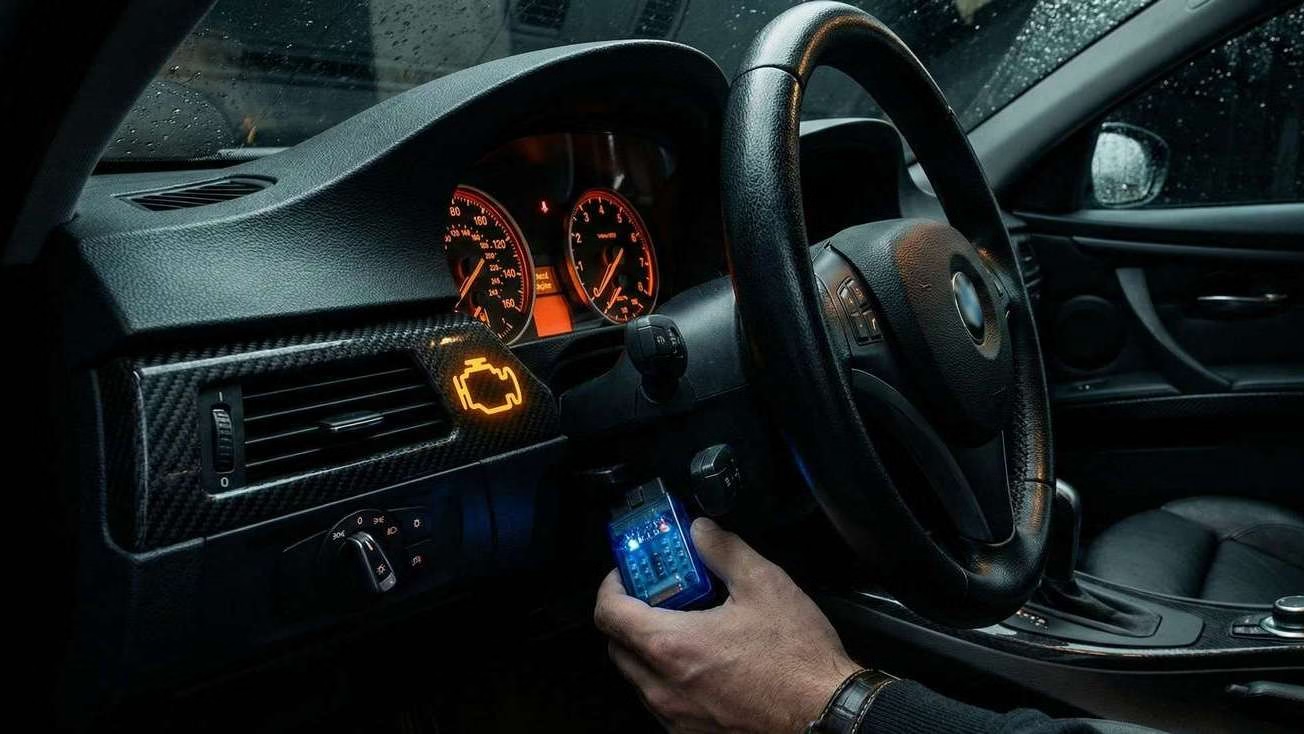
The Check Engine Light is the most expensive orange light in history.
It triggers immediate anxiety. Is it a loose gas cap? Or is your transmission about to explode on the highway?
Most people drive straight to a mechanic, pay a $150 “diagnostic fee,” and get told they need a $50 part. You just paid $200 for a $50 problem.
The OBD2 scanners below are “mechanic liar detectors.” They tell you the code, the severity, and—in the case of our top pick—exactly which part to buy on Amazon to fix it yourself.
We analyzed the most upvoted threads on r/MechanicAdvice and r/DIYAutoRepair to find the three scanners that actually work, filtering out the cheap $15 junk that fails to connect.
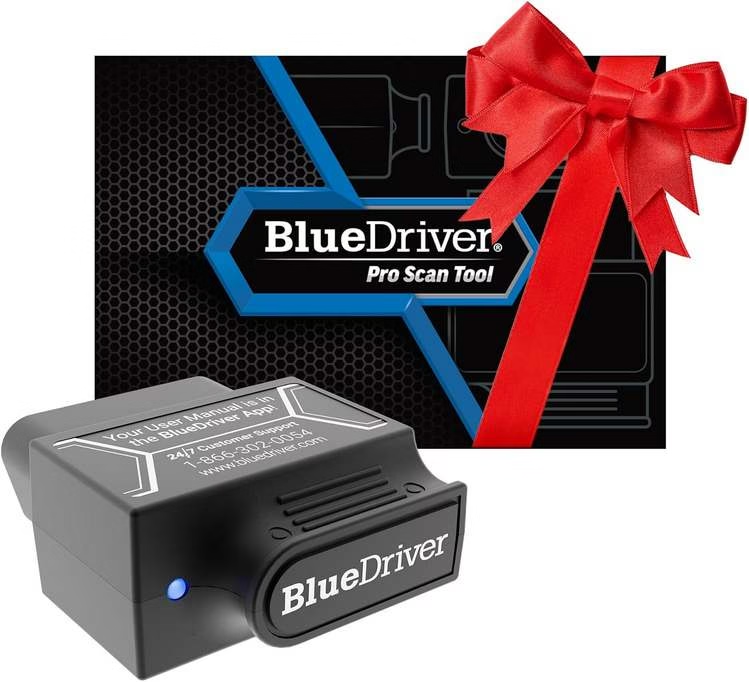
BlueDriver Bluetooth Pro OBDII
The Brutal Verdict: The only one that tells you exactly which part is broken so you don’t have to guess. Slow to connect, but the “Repair Reports” are worth their weight in gold.
Check Price on Amazon →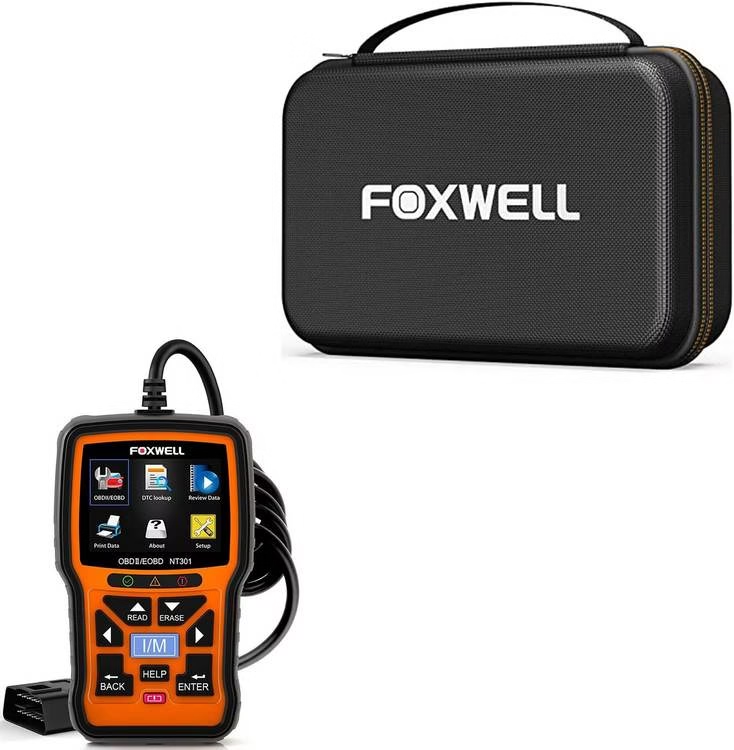
Foxwell NT301
The Brutal Verdict: Ugly, wired, and basic. But it boots instantly, never needs batteries, and never fails. Perfect for the “DIY Dad” who hates installing apps.
Check Price on Amazon →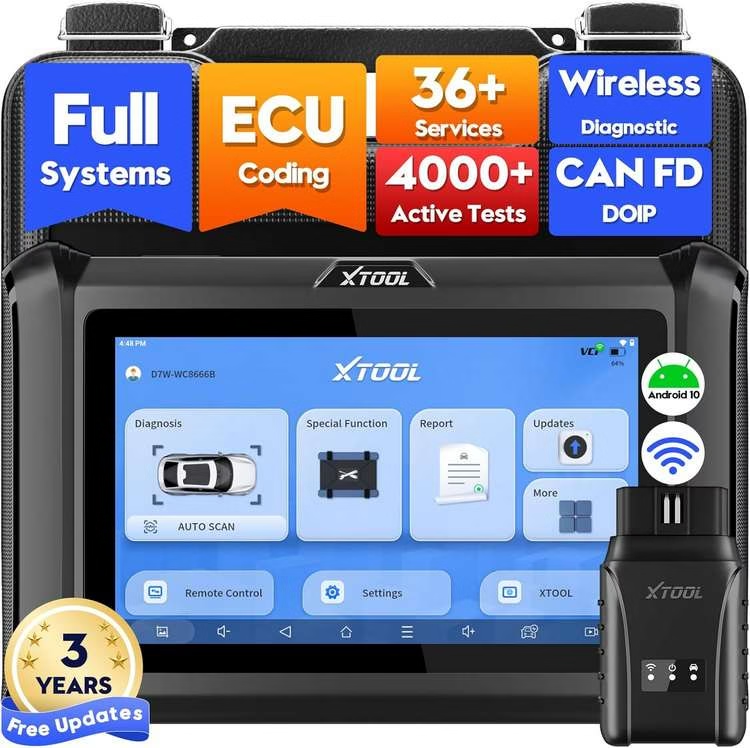
XTOOL D7W
The Brutal Verdict: Overkill for checking a gas cap. Buy this ONLY if you need to bleed ABS brakes, code fuel injectors, or reset weird lights on BMWs/Mercedes.
Check Price on Amazon →OBD2 Scanner FAQs
BlueDriver vs. Foxwell Showdown
BlueDriver Pro
Best for Smartphone Users
Foxwell NT510
Best for Professional DIYers
European Vehicles
Standard scanners miss 70% of BMW/Mercedes-specific codes. Invest in a Foxwell with manufacturer add-ons for proper diagnostics beyond generic P-codes.
Diesel Trucks
For DPF regeneration and DEF system diagnostics, you need advanced scanners that can initiate regeneration cycles and read soot levels – basic scanners can’t access these systems.
Frequent Maintenance
If you change your own oil or brakes, bidirectional control for EPB (electronic parking brake) service mode and oil reset saves costly dealer visits. Essential for modern vehicles.
Before buying any OBD2 scanner on Amazon, search r/OBD2 for your exact vehicle model and year. Reddit mechanics have documented which scanners actually work with specific car brands. For best OBD2 scanner for the money, BlueDriver is perfect for general use, but Foxwell becomes essential for European cars or diesel trucks. Remember – the right scanner pays for itself in avoided dealer diagnostic fees!
1. BlueDriver Bluetooth Pro OBDII (The “Smart” Choice)
BlueDriver Bluetooth Pro
- Verified Fixes: Tells you exactly what part to buy.
- Smog Check: Tells you if you’ll pass emissions before you go.
- Live Data: See engine temperature and RPMs in real-time.
The Brutal Truth: Traditional handheld scanners are stupid. They give you a code, and then you have to Google it. BlueDriver realized that everyone has a supercomputer in their pocket (their smartphone).
By using your phone’s screen, the interface is lightyears ahead of the clunky, pixelated screens on wired tools. But the real “killer app” here is the Repair Reports. When you scan a code, it cross-references it with a database of actual ASE-certified mechanic fixes.
Where it Hurts (The Downsides): It’s Bluetooth. That means sometimes it struggles to pair, especially if you have an older phone. Also, if you leave it plugged in for weeks, it can drain your car battery (though newer updates claim to fix this). It’s also useless if you lose your phone or have no battery.
Pros:
- “Fix It” Database: Tells you the most likely repair based on your specific VIN.
- Live Mode: You can graph engine data while driving (great for diagnosing misfires).
- Small: Fits in your glovebox or center console easily.
Cons:
- Connection can be finicky compared to a wired tool.
- Requires a smartphone to work.
2. Foxwell NT301 (The “Old School” Reliability)
The Brutal Truth: If BlueDriver is an iPhone, Foxwell is a Nokia brick. It is ugly. It is orange. It looks like it was designed in 1998.
And that is exactly why mechanics love it. There are no batteries to charge. There are no apps to update. There is no Bluetooth pairing code to forget. You plug it into the port, and it turns on. It reads the code immediately. It clears the code immediately.
Where it Hurts (The Downsides): The screen is small. Navigating the menus with physical buttons feels archaic. It doesn’t tell you how to fix the car—it just gives you the raw data. You will still need to Google “Code P0300” to figure out what’s wrong.
Pros:
- Instant Boot: Works 100% of the time, instantly.
- Powered by Car: No batteries required.
- Durable: You can drop this on concrete, and it will survive.
Cons:
- Basic data only (no fancy repair guides).
- Short cable means you have to lean over the steering wheel.
3. XTOOL D7W (The “Pro” Upgrade)
The Brutal Truth: This is not for the average driver who just wants the light off. This is for the “Wannabe Mechanic” or the person who owns a high-maintenance European car (BMW, Audi, Mercedes).
The XTOOL D7W is a Bi-Directional scanner. Standard scanners (like the two above) can only read data. The XTOOL can send commands.
- Want to roll the windows down via the computer?
- Need to cycle the ABS pump to bleed your brakes?
- Need to tell the car you installed a new battery (or the alternator won’t charge it)?
You need this tool.
Where it Hurts (The Downsides): It is expensive. It is complex. The software updates can be huge files. If you just want to check a loose gas cap, this is a waste of money.
Pros:
- Dealer Level Features: Coding, Actuation tests, Key programming (on some cars).
- Full System Scan: Reads Airbag (SRS), Transmission, and ABS codes, not just Engine.
- Wifi Updates: Updates itself without needing a PC.
Cons:
- Overkill for 90% of drivers.
- Battery life on the tablet can drain if left in the cold car.
Scanner Hacks: Don’t Delete the Evidence
The “Clear Codes” button is tempting, but dangerous. If you clear the code, you delete the diagnostic history needed to pass inspection.
Final Verdict: Which One Fits Your Job?
If you just want the light off and to know what part to buy: Get the BlueDriver.
If you hate technology and want a tool that lives in your toolbox forever: Get the Foxwell.
If you drive a BMW or plan on doing your own brake jobs and injector coding: Get the XTOOL.
🚗 Other Car Gadgets We Tested
You’ve got the scanner. Now equip the rest of your ride.